An animated map video of your trip, ready for Reels and TikTok
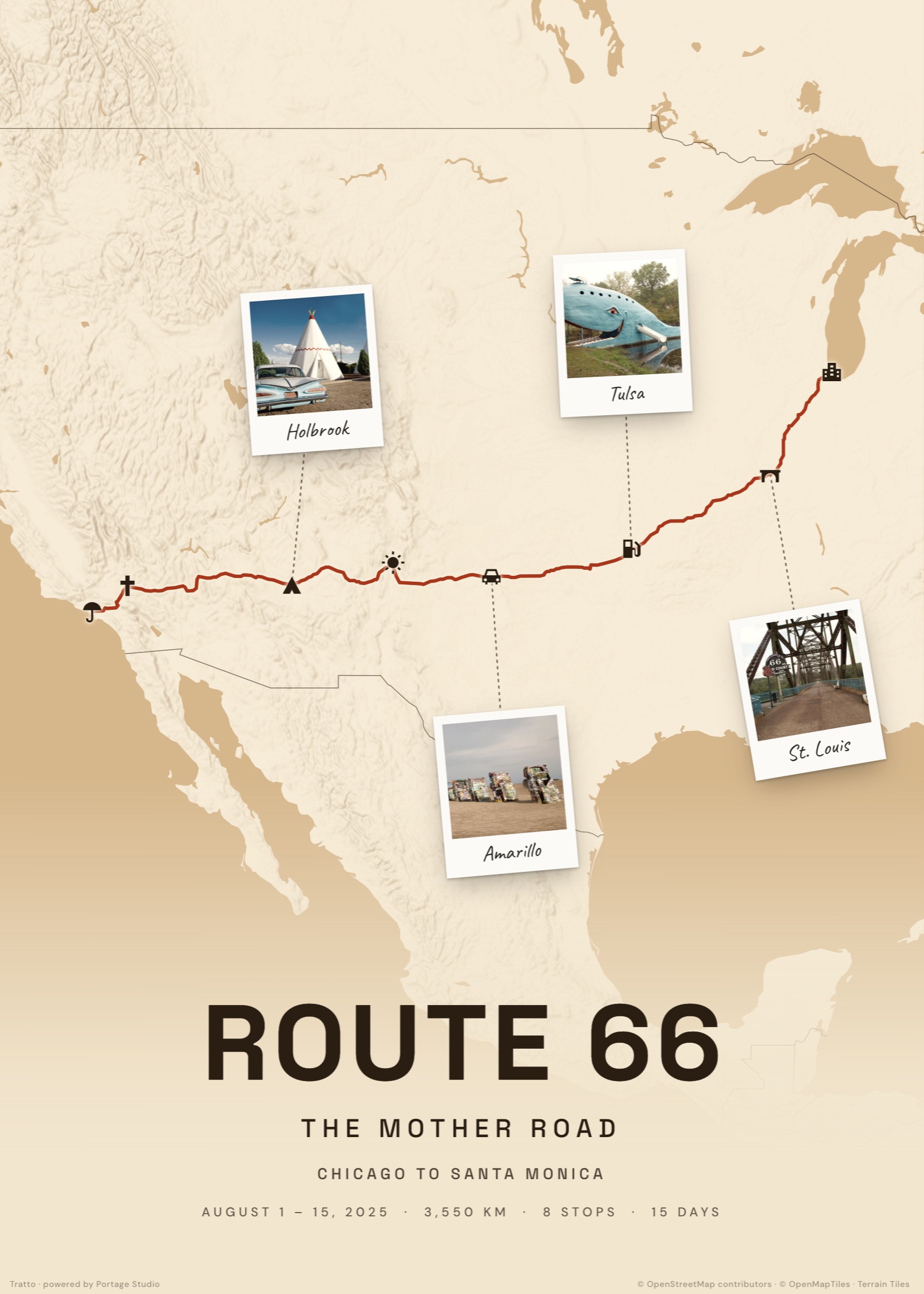
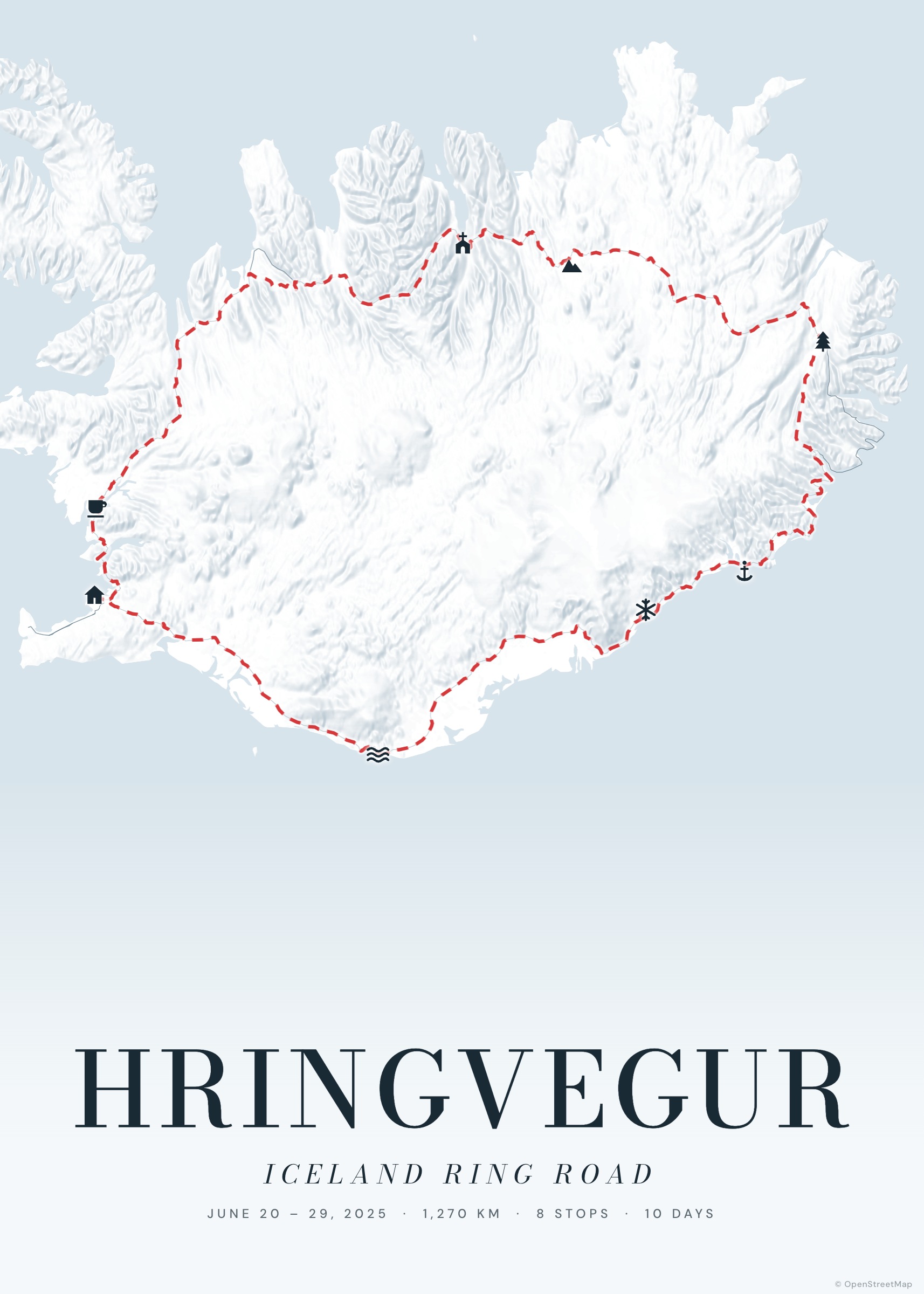
A route on a map tells the story of a trip at a glance; a route that draws itself tells it like a film. Tratto turns any journey into a short vertical video: the camera flies over the real terrain, follows the line as it is drawn, counts the kilometres and stops at each place — with your photos appearing as polaroids.
It is the same journey as your poster, so you design it once and get both: the print for the wall and the reel for your feed.
Create your poster — freeHow it works
Build the journey
Add stops, paste a Google Maps link or import a GPX — exactly as for a poster. Add a photo to the stops you want to feature.
Press “Video”
In the studio, the Video button opens the reel maker with a live preview of the film.
Choose format and length
9:16 for Reels, TikTok and Stories, 4:5 or 1:1 for the feed; 15, 20 or 30 seconds; 3D terrain on or off.
Export the MP4
The video is rendered frame by frame at 1080 px wide and saved as an MP4 — on a phone you can share it straight to your apps.
What the video shows
An opening title over the whole route, a dive to the start, a 3D chase camera along the line with a glowing head, a kilometre counter and a progress bar, a name card at every stop, full-screen polaroids for your photos, and a final pull-back to the whole journey with your title and numbers.
Tips for a great reel
Pick three or four strong photos rather than one per stop. Mountain routes look spectacular with 3D terrain. The video has no sound on purpose: add a trending track directly in Instagram or TikTok.
Examples to start from
Frequently asked questions
Is it free? Is there a watermark?
It is free. The end card shows a small “Made with Tratto · trattomaps.com” line; nothing is printed over the film itself.
Which browsers can export the video?
Browsers with WebCodecs (recent Chrome and Edge, Safari 17 and later) create an MP4 directly; others record the video in real time. Keep the tab open and visible while it renders.
Is my trip uploaded anywhere?
No. The video is rendered in your browser; your trip and photos stay on your device until you share the file.